01
Always in view
A little radar sits in your menu bar with the number of repos that need you. When everything is committed and pushed, the number goes away.

 Repo Radar for Mac
Every git repo on your Mac with work you haven't committed or pushed, counted in your menu bar. Nothing gets left behind on one machine.
For Mac · macOS 14 or later · Uses the git on your Mac · Installs with Homebrew · Open source
What it does
Projects pile up. A quick fix you never committed, a branch you never pushed, a folder that was never put on GitHub at all. Repo Radar keeps an eye on all of them, so you find out before it matters.
01
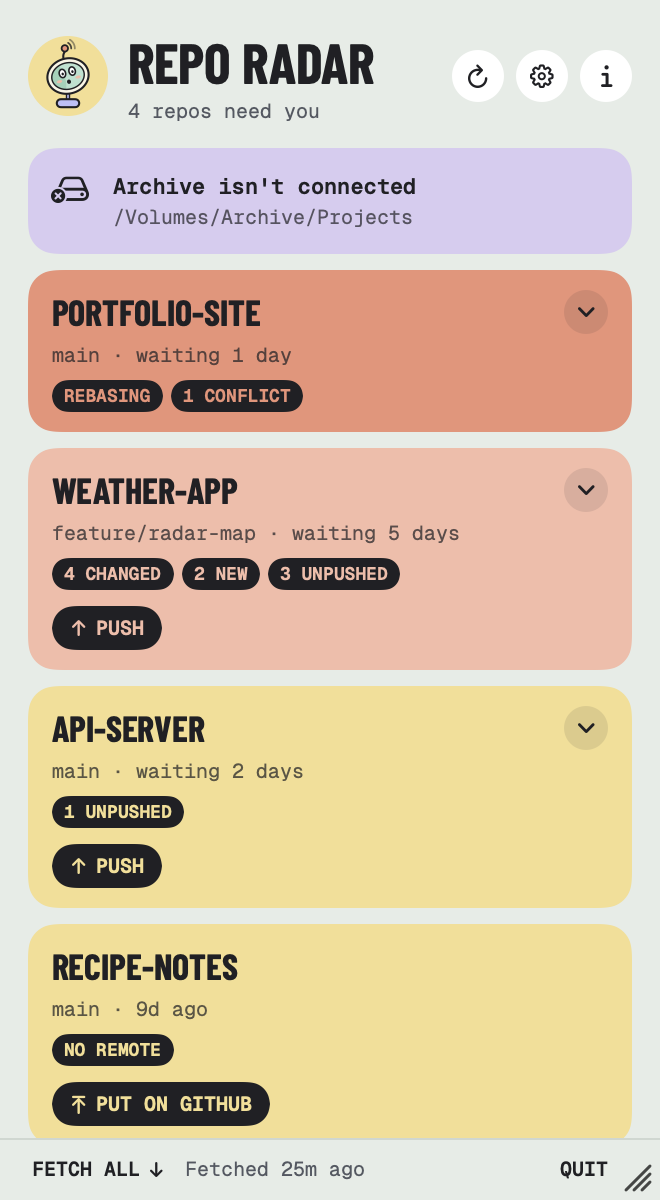
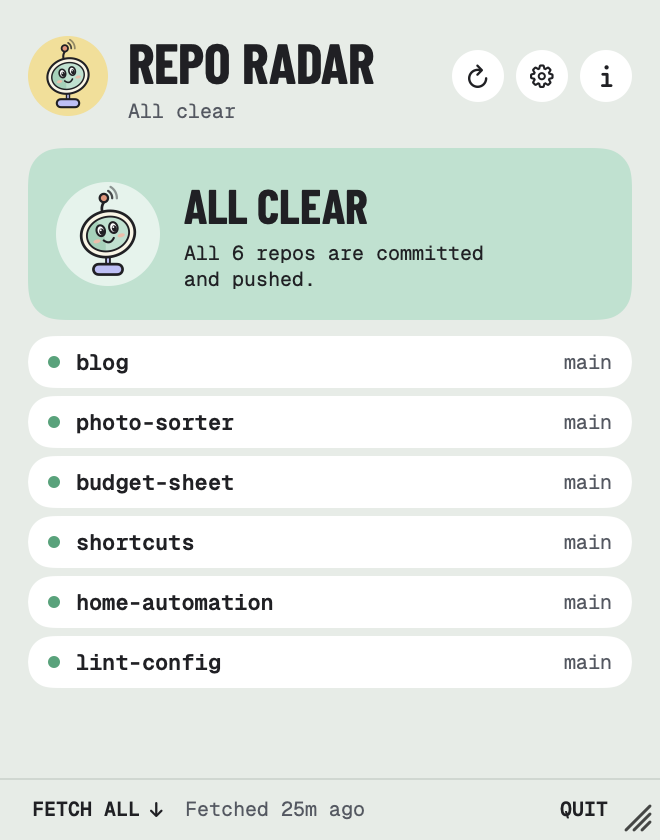
A little radar sits in your menu bar with the number of repos that need you. When everything is committed and pushed, the number goes away.
02
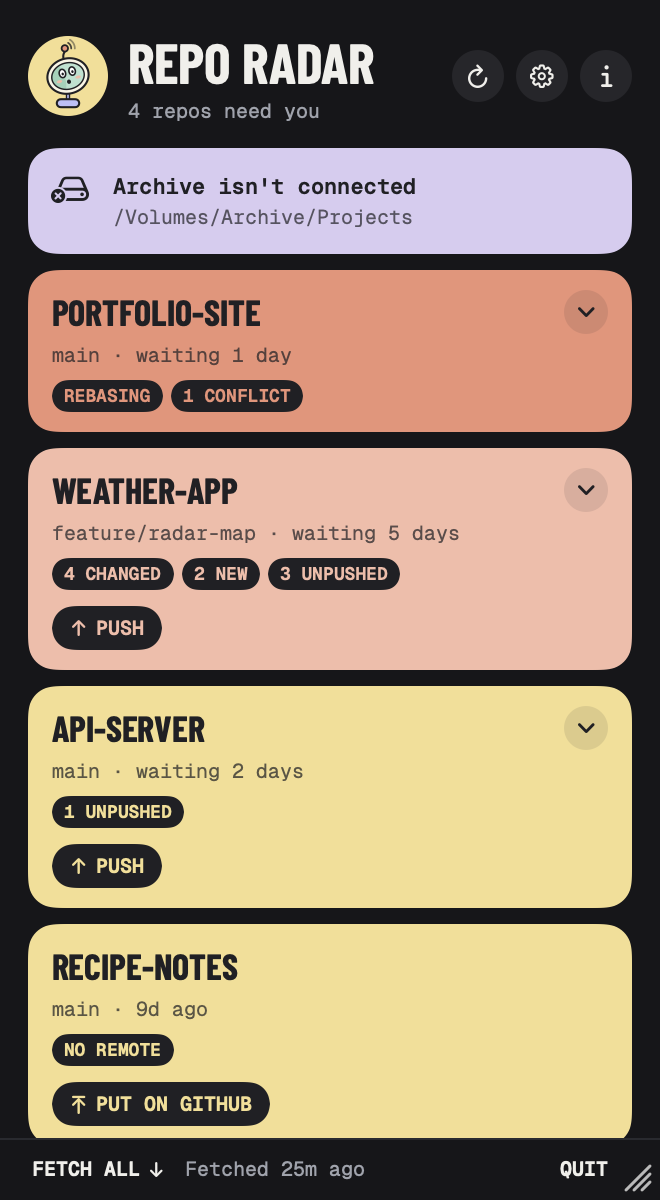
Click for the list, most pressing first. Each repo says what's loose: changed files, new files, unpushed commits, no remote, or a merge or rebase you started and never finished.
03
Unpushed means commits on any branch that aren't on any remote, so the feature branch you forgot about counts too. Commits to pull, stashes and deleted upstreams show under Worth a look, without adding to the count.
04
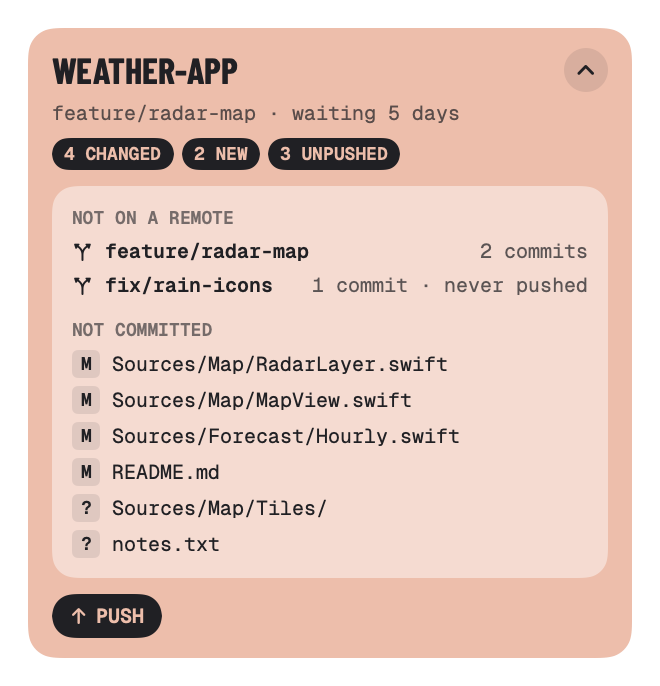
Open a card to see which branches and files are loose, and how long they've waited. Push sends every unpushed branch and never forces. Pull brings in new commits when it's a straight fast-forward. No remote at all? Put on GitHub creates one.
05
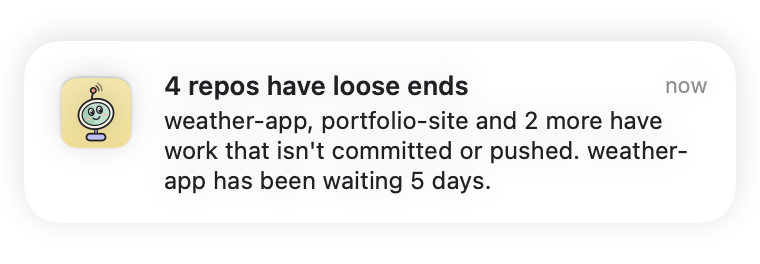
Turn on the end-of-day reminder and Repo Radar taps you on the shoulder at a time you pick, if anything still needs committing or pushing. The oldest loose ends come first.
06
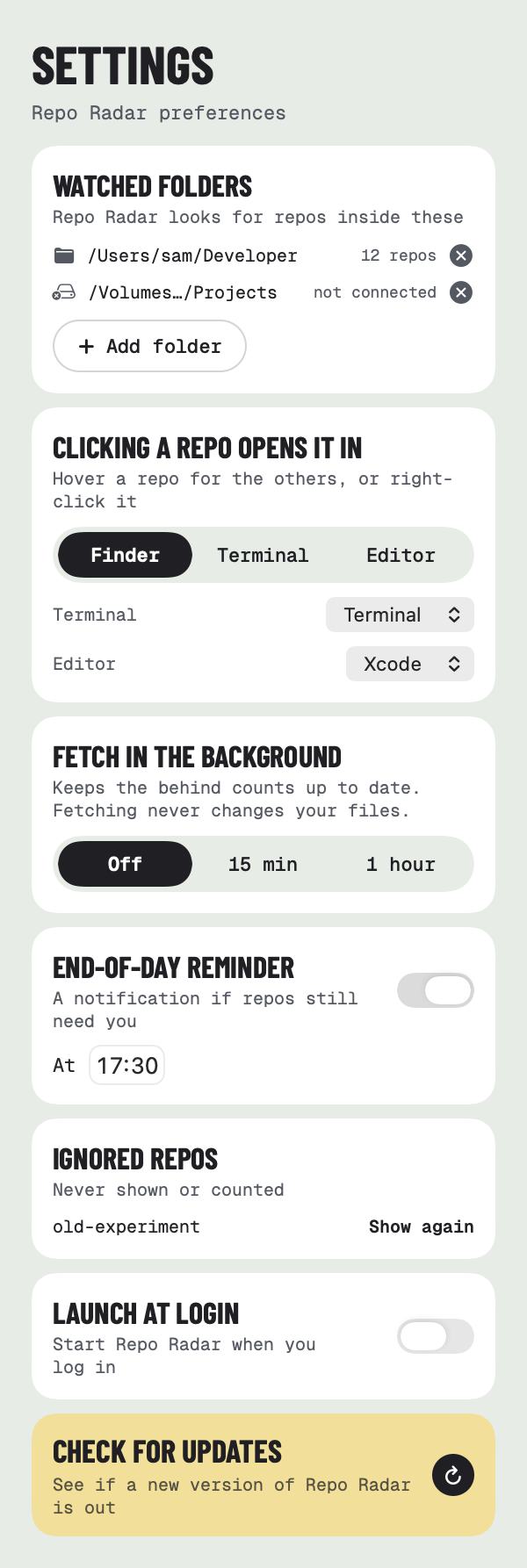
Choose the folders your projects live in, where a click takes you, and whether to fetch in the background so the behind counts stay right. Start it at login and it keeps watch.
And the little things
Small details that make it easy to live with every day.
It watches your folders, so the list changes as you edit, commit and push, within a couple of seconds.
Point it at one folder and it finds every repo inside, skipping node_modules, build folders and the like.
Projects on an external drive? While it's unplugged, Repo Radar says so and picks them up again when it's back.
Know about a repo already? Snooze it for a day or a week, or ignore it for good. Settings lists ignored repos so you can bring them back.
Click a repo to open it in Finder, your terminal or your editor. Right-click to open it on GitHub, copy its path, snooze it or ignore it.
Built in SwiftUI with no Electron. Light and dark mode, VoiceOver, and a radar dish that sways while it scans.
Take a look
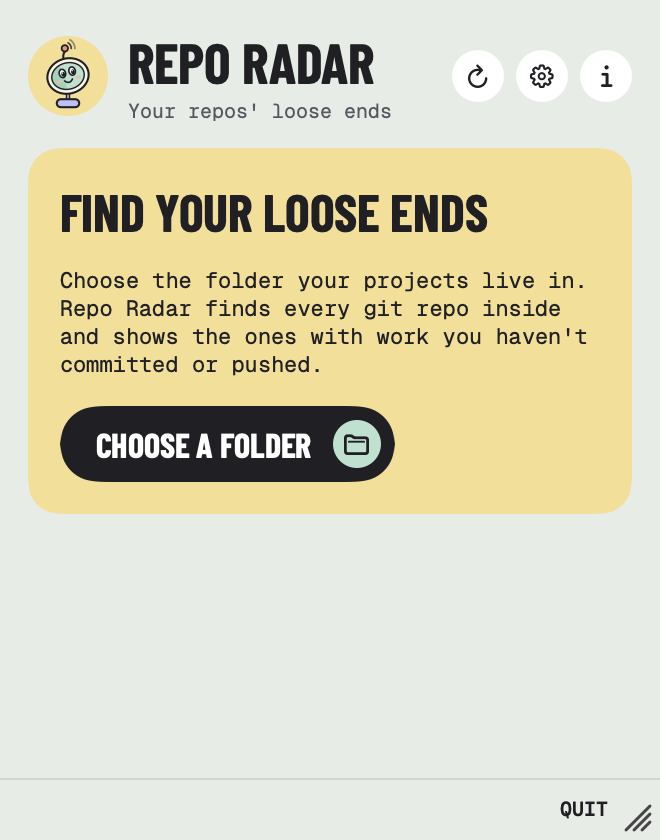
From choosing your first folder to a clean sweep, every screen shares the same colourful style.
Private by design
Repo Radar runs the git already on your Mac to read your repos. Nothing about them leaves your Mac.
It only goes online for your repos to fetch, push or pull with your own remotes, using your existing git sign-in. It never asks for a password or token, and only pushes or pulls when you click.
No analytics, no accounts and nothing collected. It's open source, so you can check.
Repo Radar is free. It installs with Homebrew, a free and widely used tool for installing Mac apps and keeping them up to date. You only need to set it up once.
Get Homebrew. Download the installer, open it and click through, like any Mac installer. It asks for your Mac password. Already have Homebrew? Skip to step 2.
Download HomebrewOpen Terminal, an app that comes with every Mac. Press ⌘ Space, type Terminal and press Return. A window with a blinking cursor opens.
Click Copy, paste into Terminal with ⌘ V and press Return. Text scrolls past while Homebrew installs Repo Radar. It's done when it stops.
$ brew tap RossNicholson/tap$ brew trust --cask rossnicholson/tap/reporadar$ brew install --cask reporadar
See command not found: brew? Quit Terminal with ⌘ Q, open it again and paste once more.
Open Repo Radar from your Applications folder. If your Mac asks whether you're sure you want to open it, click Open. Then click Choose a folder and pick the folder your projects live in.
Your Mac checks with you before an app can do certain things. Here's what Repo Radar asks for, and what to click.
On an older Homebrew, an error about brew trust is safe to ignore.

Repo Radar is free, open source, and signed and notarized by Apple.
Enjoying it? Buy me a coffee ☕ · Need help? Support
Also from me: BrewDock, Homebrew in your menu bar, and KeyBar, API keys for Claude Code in your Keychain
Repo Radar is an independent app and isn't affiliated with or endorsed by the Git project, GitHub or Homebrew. Git is a trademark of the Software Freedom Conservancy.